
Microsoft Technical
Windows 365 Cloud PC in GCC: A Future-Ready Desktop for Government & Education
| 9 min read

- Kevin MartinsExecutive Vice President
State and local governments and educational institutions face constant pressure to do more with less—streamlining IT, tightening security, and supporting flexible work. In a recent Partner Masters webinar, Windows 365 (Microsoft’s Cloud PC service) was showcased as a game-changer now available in the Microsoft Azure Government Community Cloud (GCC). As an everyday user and administrator of Windows 365, presenter Kevin Martins delivered the entire session from a Windows 365 Cloud PC, noting that he and all his coworkers at The Partner Masters use Windows 365 daily. Below is a recap of key highlights from the webinar with a focus on Windows 365 in the GCC. From amazing user experiences to cost savings and compliance-grade security, this webinar is one of the first to focus solely on Windows 365 and government.
Easy to Use and Manage for Everyone
One of the strongest impressions from the webinar was how simple Windows 365 is for both users and IT staff. End-users get a full Windows 10/11 desktop in the cloud that looks and feels like a regular computer but can be accessed from anywhere. Kevin demonstrated launching his cloud desktop in seconds – it was “always on, always available,” with all his apps and settings ready to go. For IT admins, Windows 365 is “far, far easier…less complicated to manage” than traditional virtual desktop solutions like Azure Virtual Desktop. Common headaches such as Windows update issues can be resolved simply by reprovisioning a fresh Cloud PC in minutes, rather than hours of troubleshooting. In short, Windows 365 delivers a smooth, effortless user experience while simplifying IT management.
Simplified Onboarding and Deployment
Windows 365 also shines in making onboarding new users and devices fast and painless. In the webinar, The Partner Masters described how new hires can be up and running in minutes: they receive credentials and a login link. The new hire immediately gets access to a secure Cloud PC with all required applications (all defined by the administrator). No imaging or complex device setup required. This easy onboarding process was highlighted as a huge win for scenarios like mergers and acquisitions, where on Day 1 of an organizational change you can simply assign users a Windows 365 Cloud PC on the new domain without reconfiguring their old laptops. “It’s a great way to get people going very, very quickly,” said Kevin. The process is well-scripted and consistent; both new employees and IT admins “love it” because getting a working desktop is so straightforward.
Flexible Access on Any Device, Anywhere
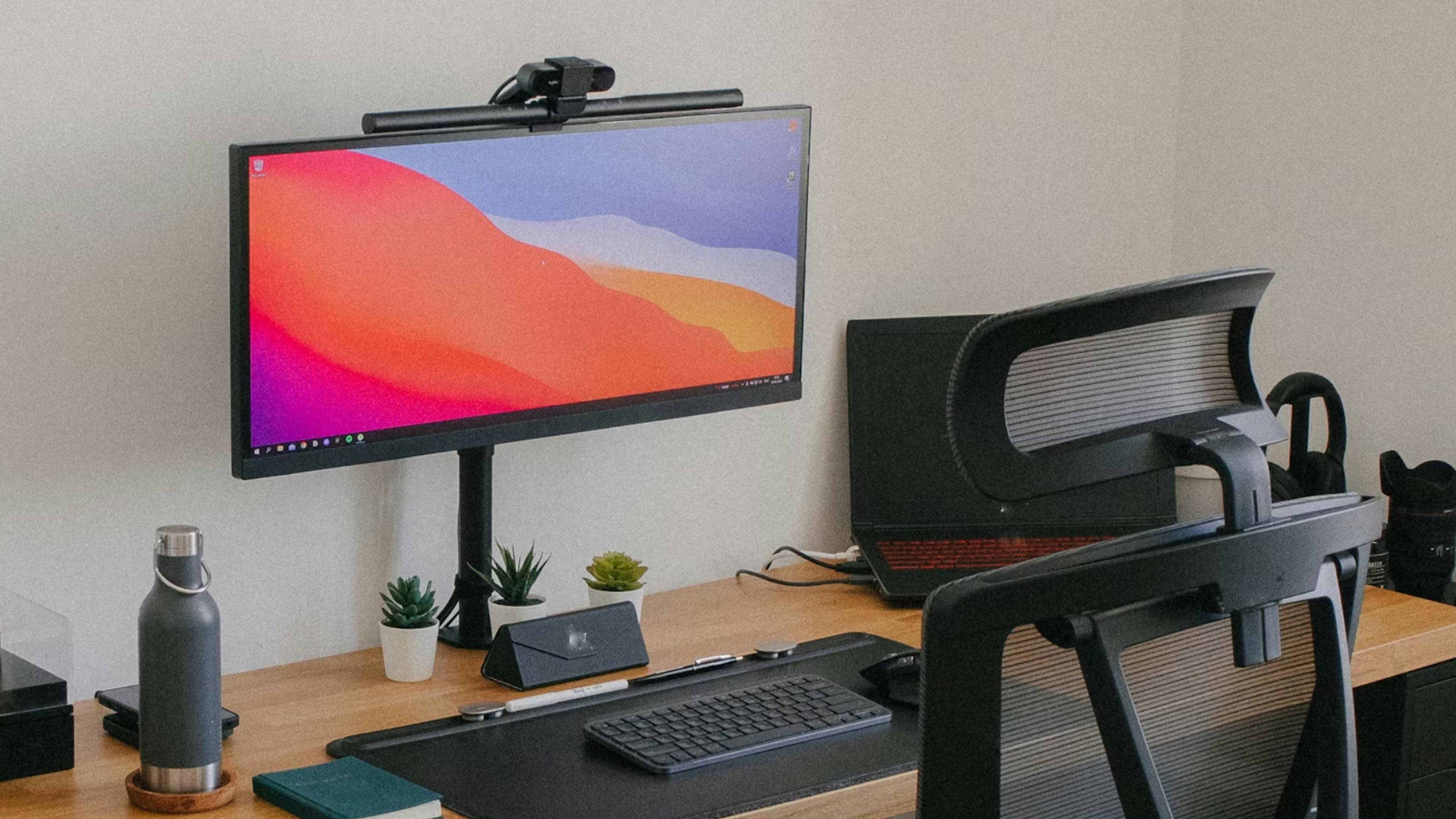
A major highlight for government and education customers is device flexibility. Windows 365 lets users stream their cloud desktop to virtually any device – whether it’s a Windows laptop, a Mac, an iPad, an Android tablet, or even a smartphone. In practice, this means an employee can start work on an office desktop, then continue on a personal tablet at home, or even plug their smartphone into a monitor and instantly have a full PC experience. During the webinar, Kevin demonstrated moving seamlessly from his dual-monitor setup to a single-screen laptop and back, with his Cloud PC session persisting exactly as he left it. All applications remained open and his work was right where he left off, which he called “just an amazing experience…fantastic.” This kind of anywhere access enables remote and hybrid work models without sacrificing productivity. It also means agencies can extend the life of older hardware – even a decade-old PC or a simple thin client can deliver a high-performance Windows 11 experience, since all the heavy lifting is done in the cloud.
High Performance with GPU Cloud PCs
For specialized workloads that demand extra horsepower, Windows 365 offers GPU-enabled Cloud PCs in GCC. These instances, now in public preview, provide virtual desktops with dedicated graphics processors to handle graphics-intensive applications. This is a big benefit for government use cases like GIS mapping, CAD design, video rendering, or data visualization that might normally require expensive high-end PCs. Instead, users can run tools like Adobe Creative Suite or ESRI ArcGIS on a Cloud PC with a beefy GPU, even if their local device is a lightweight laptop. The webinar noted that GPU Cloud PCs come in multiple performance tiers (such as Standard, Super, and Max) to match different needs. By offloading graphics workloads to the cloud, agencies can ensure any employee has access to the computing power they need without purchasing specialized hardware for each person. It’s a flexible, scalable way to deliver high-end performance on demand.
Cost Savings and Efficiency
Budget constraints are always top of mind in the public sector, and Windows 365 promises to save costs in several ways. First, it shifts computing to a subscription model – instead of large upfront investments in new PCs, you pay a predictable monthly fee for each Cloud PC. This can reduce capital expenditure and allow scaling up or down as needed. Just as importantly, Cloud PCs can extend the usable life of existing devices. Since even an older PC can serve as a simple access point to a Cloud PC, agencies can avoid the immediate expense of replacing aging hardware. Kevin pointed out that even powerful laptops eventually become costly to refresh (especially as component prices rise), but with Windows 365 “I don’t have that issue” because the cloud handles the performance upgrades. Thin clients, like the Windows 365 Link device (discussed below) cost only a few hundred dollars, far less than a new laptop or desktop. Additionally, Windows 365 in GCC includes a special Frontline Worker license option for shift workers, allowing up to three users to share one Cloud PC (each using it during different shifts). This maximizes utilization and savings for roles like first responders or public kiosk stations.
Real-World Example: City of Corona. A great example of cost and efficiency benefits is the City of Corona, CA. The city had tried multiple remote access solutions in the past, which became complex to manage. They also struggled with profile corruption issues and needed to be careful stewards of public funds (cost savings). Corona became an early adopter of Windows 365 for Government, which gave employees a personalized cloud PC experience in a highly secure environment configured to government compliance standards. This solution simplified their IT landscape and addressed the previous technical challenges, all while saving costs. The City of Corona’s success with Windows 365 is a powerful validation for other government entities considering a move to cloud PCs.
Government-Grade Security and Compliance
Security is paramount for government and education IT, and Windows 365 was built with a Zero Trust architecture to meet those needs. Because each Cloud PC is streamed from Azure and no sensitive data resides on the local device, the risk of data loss from theft or loss of hardware is dramatically reduced. As Kevin stated in the presentation, “Windows 365 PCs will be inherently more secure as the data they deal with is never stored locally.” In the webinar, Kevin emphasized that the Cloud PC environment is locked down and data cannot be extracted from it. If someone steals a Windows 365 endpoint, they gain no access to your actual data or network. Moreover, Windows 365 in GCC is designed for compliance with U.S. government requirements. It lives in Azure Government datacenters and meets strict regulatory standards for data protection. As the City of Corona learned, Windows 365 Cloud PCs can be configured to align with government security frameworks and provide a fully compliant desktop for public sector users. Microsoft Entra ID (Azure AD) is used for authentication (including MFA and smart cards), and no local admin rights are given on the endpoint, further reducing the attack surface. In short, government agencies get enterprise-grade security by design using encrypted storage as well as industry leading Microsoft Defender products that are built-in and therefore minimize additional complexity.
Windows 365 Link: The Tiny Cloud PC Device
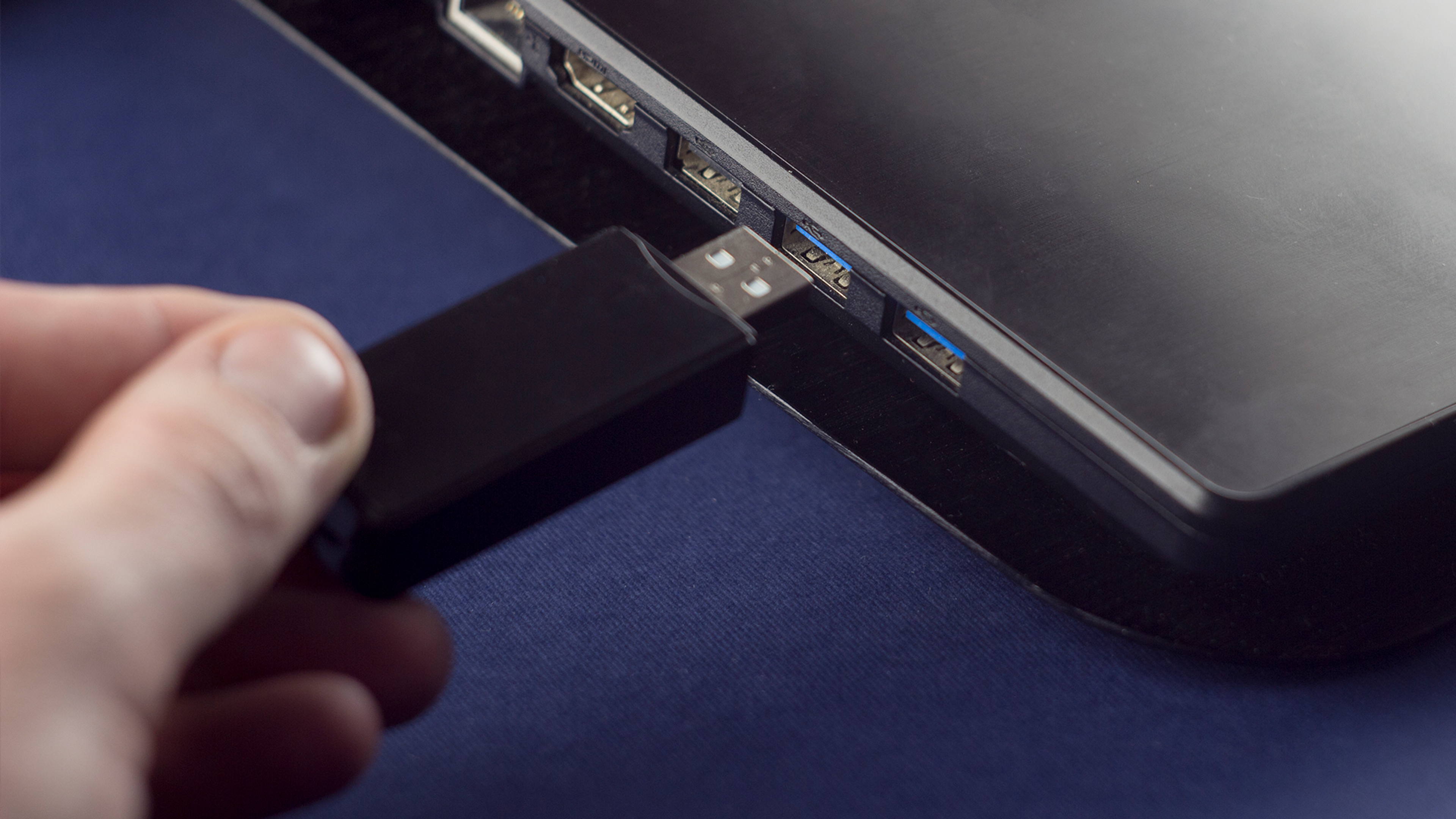
The Windows 365 Link device is a tiny, power-efficient box purpose-built to connect to Cloud PCs. Roughly the size of a coaster (about 4.7 inches square and 1.2 inches tall), this mini PC replaces the need for a traditional desktop. Despite its small form factor, it provides plenty of ports (USB-A/C, Ethernet, HDMI, and DisplayPort) to support dual monitors, cameras, headsets, and more for a full workstation setup. All Partner Masters employees now use the Windows 365 Link as their primary device, instead of power-hungry desktops, and appreciate the energy savings and simplicity it brings. The Link runs a lightweight OS that “connects in seconds to Windows 365,” with no local apps or data stored on it. This means if a Link device is ever lost or stolen, there’s no sensitive data on it. Everything remains safely in the cloud. It also means the device has a longer useful life than typical PCs, since performance upgrades all take place in the Microsoft Azure cloud environment. Even in 5–10 years, the same Link device can still be used to connect to a faster Cloud PC without needing hardware replacement. At around $349 price point, Windows 365 Link offers an affordable, secure thin-client option for organizations looking to modernize endpoints with minimal upkeep. At the time of the webinar, the Link device was in final testing for GCC certification, expected to be formally approved in Spring 2026.
Ready to Transform Your Desktop Experience?
Windows 365 Cloud PCs present an exciting opportunity for government and education organizations to modernize their desktops with greater flexibility, security, and cost efficiency. The Partner Masters team uses Windows 365 daily in our own operations and has extensive experience deploying it for customers.
We have deployed thousands of virtual desktops and are experts at endpoint management, advanced cyber security, and just about everything in Microsoft Azure. We are passionate about Microsoft technology and are happy to talk with your organization about The Art of the Possible. Contact The Partner Masters to schedule a Windows 365 readiness assessment, arrange a pilot deployment, or even conduct a workshop to analyze cost savings and ROI for your environment. We’re here to help you take the next step toward a simpler, more secure, and future-ready desktop experience with Windows 365. Let’s bring the future of the desktop to your organization today! Please contact us at sales@thepartnermasters.com.
Watch the Windows 365 GCC Webinar Now
Watch the full recorded session hosted by Kevin Martins of The Partner Masters.